
Yes, most security cameras can work offline, but only if they record to a local card or a local recorder. If your camera streams only to a cloud app, it needs the internet and won’t record when the connection drops. Check your camera’s storage option in its app settings before you rely on it.
When security cameras work offline and when they don’t
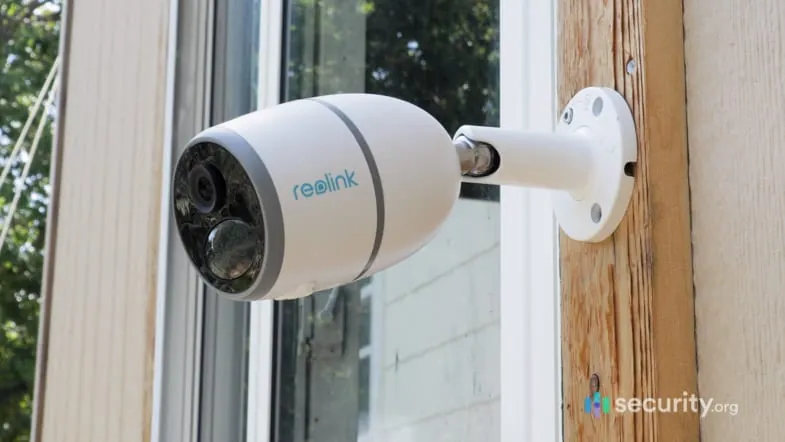
Offline recording depends on one thing: where the video goes. If the footage saves to a card inside the camera or to a recorder in your home, the internet isn’t needed. If it only uploads to a cloud server, losing the connection means losing the recording.
| Your situation | Answer | Why |
|---|---|---|
| Camera has a microSD card | Yes | Records to the card on its own |
| Camera connects to an NVR or DVR | Yes | The recorder stores the video |
| Camera is cloud-only | No | Needs internet to save anything |
| You want to watch live from your phone | No | Remote viewing needs the internet |
| You want motion alerts on your phone | No | Alerts travel over the internet |
| Power comes from a PoE cable | Yes | One cable carries power and data |
| Camera runs on battery | Yes, partly | It still wakes to record to its card |
The pattern is simple: local storage keeps working, remote access doesn’t. A camera with a card keeps recording through an outage, but you won’t see it until the connection returns.
What decides whether your camera keeps recording
Local storage decides it. A camera writes video to a microSD card or sends it to a recorder over a cable, and both paths stay inside your home. The internet only matters for the parts you do from far away — live view, playback, and phone alerts.
This is why two cameras that look identical can behave differently. One ships with a card slot and records fine with the router unplugged. The other has no slot and streams straight to a paid cloud plan, so an outage stops it completely. The spec sheet tells you which one you have: look for “local storage,” “microSD,” or “NVR compatible.”
Power matters too, and it’s separate from the internet. A wired camera on a PoE connection gets power and data through one cable, so it keeps running as long as your network switch has power. A battery camera sleeps between events to save charge, so it records clips rather than a full stream. Neither one needs the internet to save to local storage.
If your camera has a card slot or a recorder, it records offline; if it’s cloud-only, it doesn’t.
Setting it up so it records without the internet

- Add local storage first. Put a microSD card in the camera, or connect it to an NVR or DVR. The sign it worked: the app shows a storage bar with free space.
- Turn on continuous or event recording. Choose one in the recording menu. The sign it worked: a red dot or “REC” label appears on the live view.
- Set the card to overwrite when full. Most cameras loop-record by default. The sign it worked: the oldest clips drop off as new ones save, so recording never stops.
- Test it with the router off. Unplug your internet router for 10 minutes, then walk past the camera. The sign it worked: a new clip appears on the card when you check playback.
- Keep the recorder on a battery backup. A small UPS keeps an NVR running through a short power cut. The sign it worked: the recorder stays on when you pull its main plug.
Pick the storage size by your clip load. A 128 GB card holds roughly a week or two of event clips on a typical 1080p camera, but continuous recording fills it much faster. Check your camera’s own bitrate figure in its settings to estimate your own number.
The mistake that costs you the footage
Buying a camera for its cloud features and assuming it also records locally is the mistake. Many cheap cameras are cloud-only: no card slot, no recorder support. When the internet drops, they record nothing, and the moment you most wanted is gone.
The cost is the whole point of owning a camera — the footage you needed. You can’t recover a clip that was never written.
The fix takes one minute: open the camera’s app or spec page and confirm it lists a microSD slot or NVR support before you buy or install it. If it only mentions cloud storage and a subscription, treat it as an online-only camera.
Some cameras do both, and the listing won’t always say so plainly. A dual-mode model usually names the card slot in the specs but buries it under the subscription pitch, so search the page for “microSD” or “local storage” rather than reading the marketing copy.
If the camera is already on your wall and turns out to be cloud-only, you have two options: add a separate recorder that pulls the stream over your network, or replace the unit. Check the app for an RTSP or ONVIF setting first — if it’s there, a recorder can capture the feed even when the cloud is down.
When to stop and get help
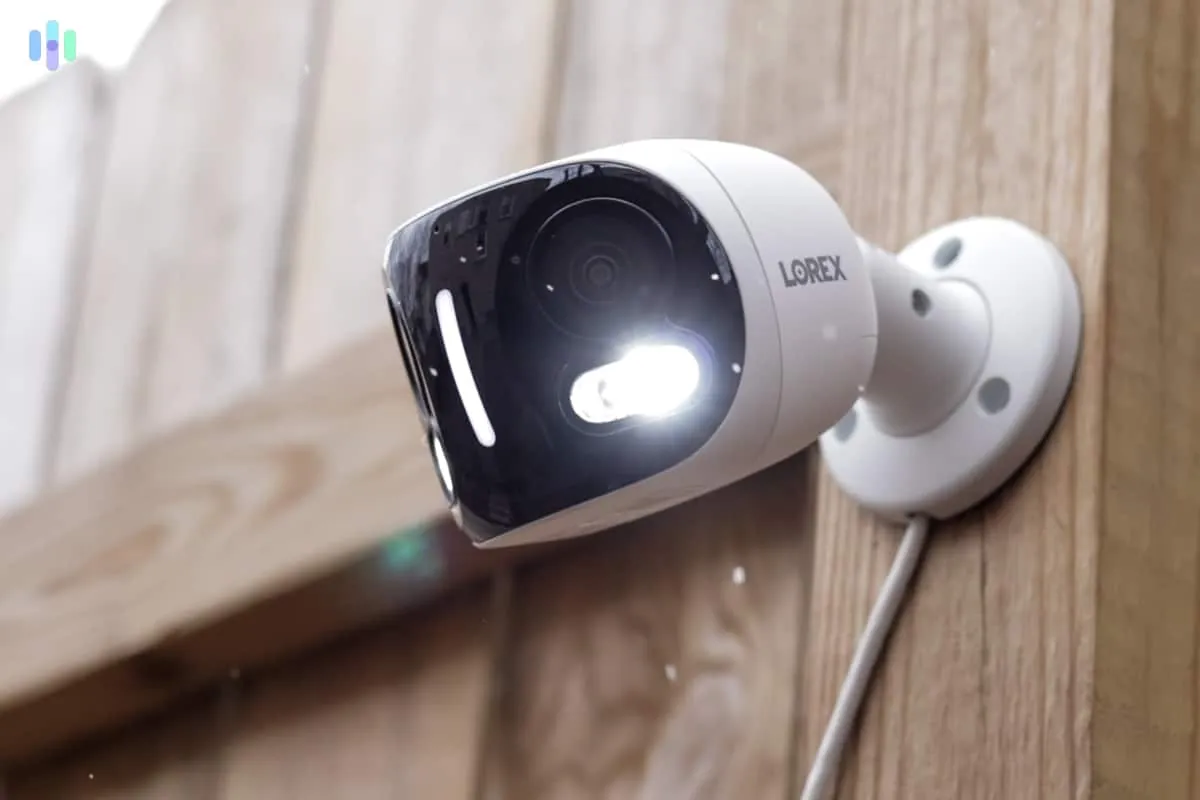
- The camera won’t join your network at all. A failed setup often points to a router setting or a bad cable, and a network technician can sort it faster than trial and error.
- You’re wiring a PoE system through walls. Running cable and power through a building touches electrical work, and a licensed electrician should handle anything near mains wiring.
- You need footage for a legal case. Chain-of-custody rules matter, so talk to a lawyer about how to preserve and export clips properly.
- The recorder shows errors you can’t clear. A failing drive or a corrupted card needs a technician, and continued use risks losing everything on it.
Frequently asked questions
Can security cameras work offline?
Yes, if they save to a local microSD card or a recorder. A cloud-only camera can’t record without the internet. Check your camera’s storage settings to see which type you have.
Can I still view my camera without internet?
No, not from your phone away from home. Remote viewing runs over the internet. On your home network, you can often open the camera’s local IP address in a browser to see the live feed.
How long can a security camera record without internet?
As long as its local storage lasts. A 128 GB card holds about one to two weeks of event clips on a typical 1080p camera, but continuous recording fills it faster. Your camera’s bitrate setting decides the exact figure.
Is it safe to run a camera with no internet?
Yes, and it’s often safer. A camera with no internet connection can’t send footage anywhere, which lowers the risk of a remote hack. You give up remote viewing and phone alerts in return.
What happens if the internet goes down while I’m away?
The camera keeps recording to its card or recorder, so nothing is lost. You just can’t watch it live or get alerts until the connection comes back. The clips are waiting when you return.
Do battery cameras work offline?
Yes, for event clips. A battery camera wakes when it senses motion and saves the clip to its card. It won’t record a full continuous stream, because that would drain the battery in hours.
Does a security camera need Wi-Fi to record?
No. A camera wired to a recorder over PoE records with no Wi-Fi at all. Wi-Fi only matters for cameras that send footage over your network to a cloud service.
What to do next
Open your camera’s app and check its storage setting first. If it shows a card or a recorder, you’re set for offline recording, and a quick router-off test will prove it.
Run that test for ten minutes, not one. Cameras often buffer to internal memory and only write to the card when the buffer fills or the clip ends, so a short test can look fine while the card stays empty.
Expect new clips to appear on the card within minutes of that test. If nothing lands after ten, the card is the problem, not the camera. Pull it, format it in the camera rather than on your computer, and test again.
If the app offers only cloud storage, that’s your sign to add a card or buy a camera that supports local recording.